![Shield Black Medium (2).png]](https://help.jamesedition.com/hs-fs/hubfs/Shield%20Black%20Medium%20(2).png?height=40&name=Shield%20Black%20Medium%20(2).png)
In the top-left corner of the page, click the Three-line bar — this opens the Settings window where you can change your preferences:

Here, you can navigate through the website menu: Buy, Rent, Sell, Find Help and FAQ, and change settings.
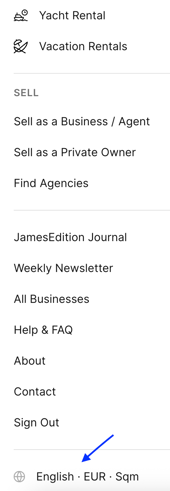
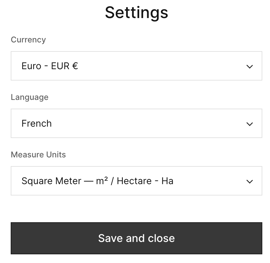
You can choose from a wide range of currencies and select your preferred measurement units in either square meters or square feet.
We support English, German, French, Spanish, and Italian languages.
Once you’ve made your selections, click Save and close — your preferences will be applied immediately.
If you have any additional questions, please check our Help Center Articles here.