![Shield Black Medium (2).png]](https://help.jamesedition.com/hs-fs/hubfs/Shield%20Black%20Medium%20(2).png?height=40&name=Shield%20Black%20Medium%20(2).png)
If you would like to replace a promoted listing, you need to stop the promotion for the already selected property.
To cancel it, please follow these steps:
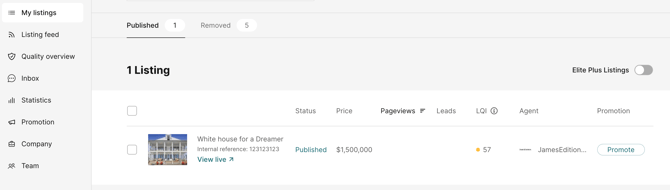
- Navigate to your My Listings section.
- Select the currently promoted listing and click on it:

- Scroll to the Top Card Position and navigate to the Unpromote button below:

-
Confirm your action:

- Done! The listing status changed:
If you have any questions or need assistance, don’t hesitate to contact your Customer Success Manager or our support team at support@jamesedition.com.
Did we answer your question?